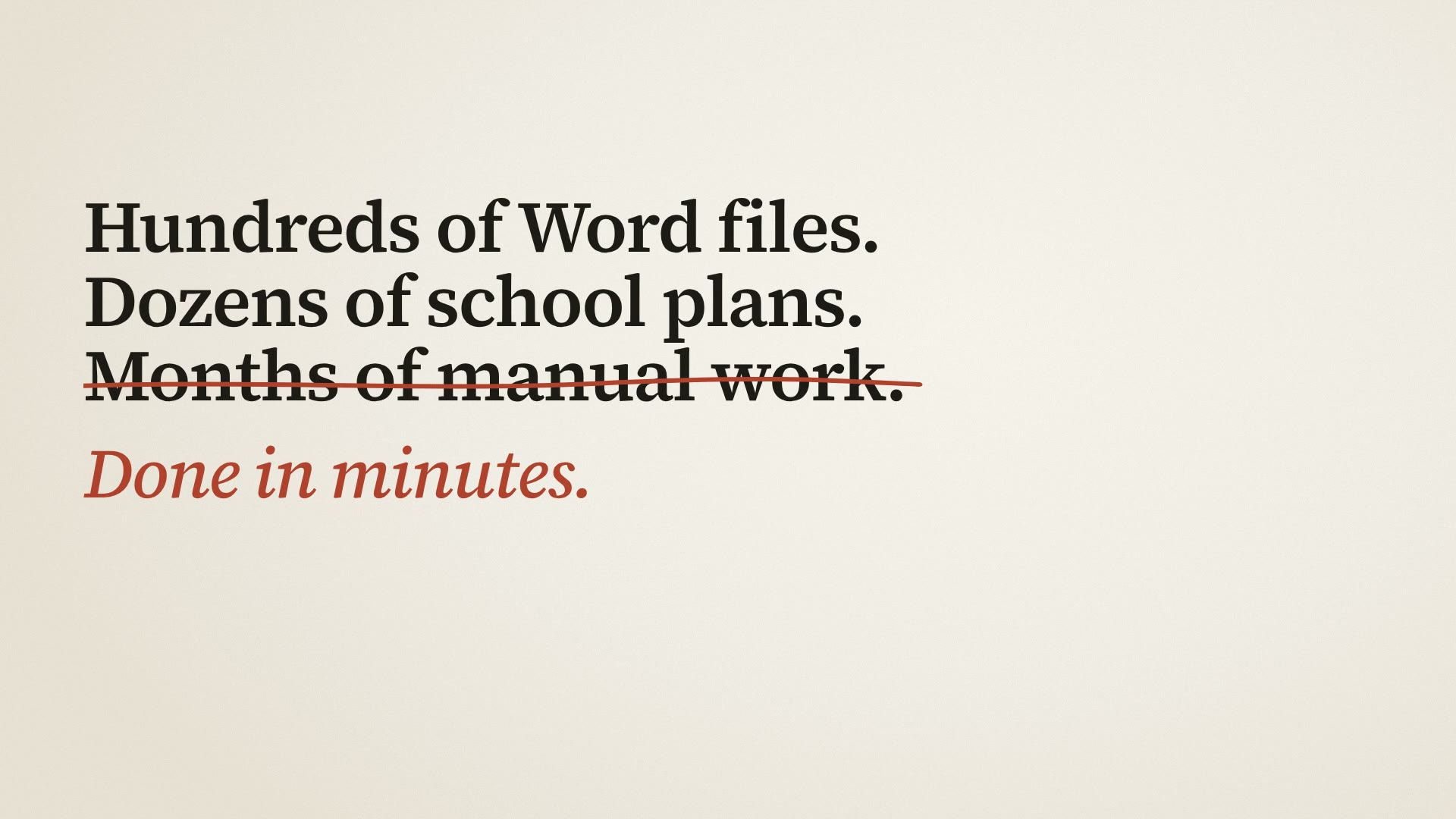
A leading educational publisher works with hundreds of Word files and dozens of school plans: translations, old formats, plans that have to follow every new school calendar.
The team did it by hand. Copy the text into AI, wait, copy the answer back, fix the formatting — then the same for the next file, and the next.
I took the logic AI kept rewriting every time — and packed it into a tool.
The turning point was noticing that AI was writing the same logic every single time.
Now the tools do it instantly, the same way every time — and the files never leave the computer.
Tools that hand work to each other.
Six tools, two chains. Each one does one job and passes the files on to the next.
A Documents
- Convert.doc → .docx
- Translateto Bosnian
Merging documents is a helper tool — and it can convert .doc on its own, too.
B Plans
- Mergemonthly files → one plan
- Operational plansnew school calendar · central Serbia and Vojvodina
- Global planslesson counts from the operational plan
- Staircase checkquality control
- ProblemHundreds of files, by hand, one by one.
- SolutionTwo chains of tools that hand the files on.
- ResultOne person, a few days.
One hub, six tools.
Every tool goes the same way: add the files, press one button, download the result.
- 01
Translate to Bosnian
Word documents from Serbian (Cyrillic) to Bosnian (Latin, ijekavian), with the formatting untouched. Instead of AI translating from scratch every time, the tool uses a built-in dictionary and rules, so the translation is practically instant. Many files at once, a ZIP at the end.
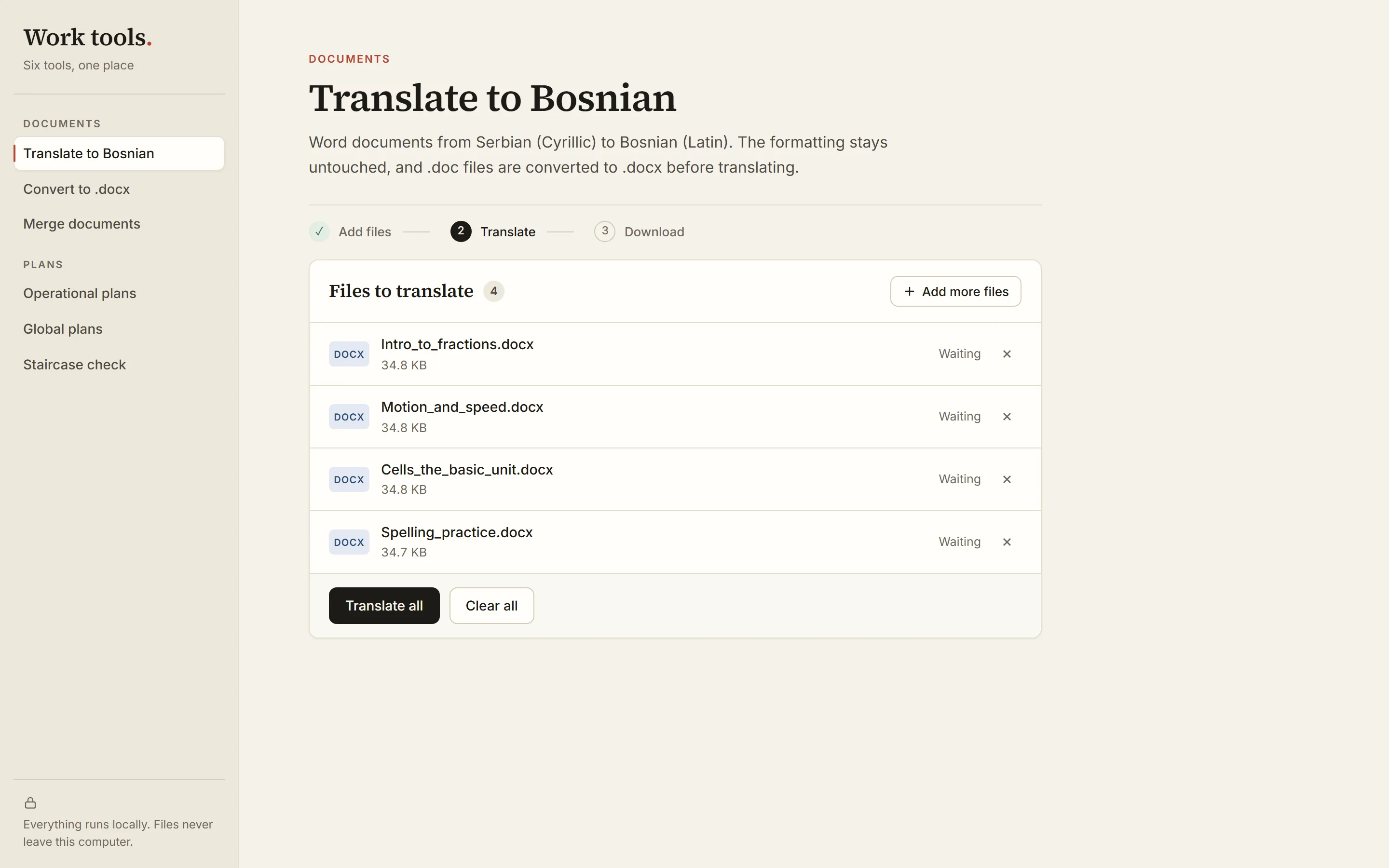
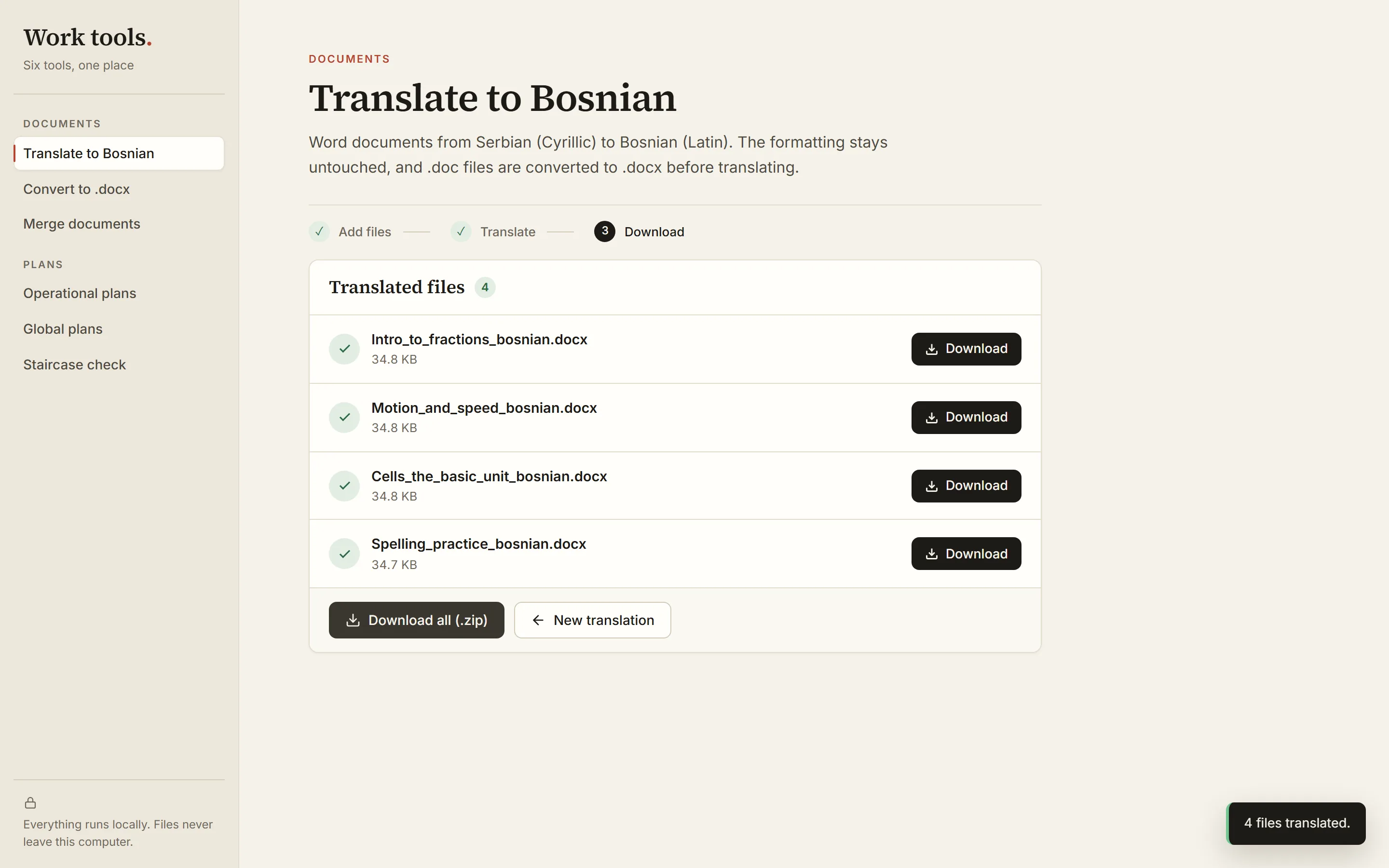
files addeddone ✓ - 02
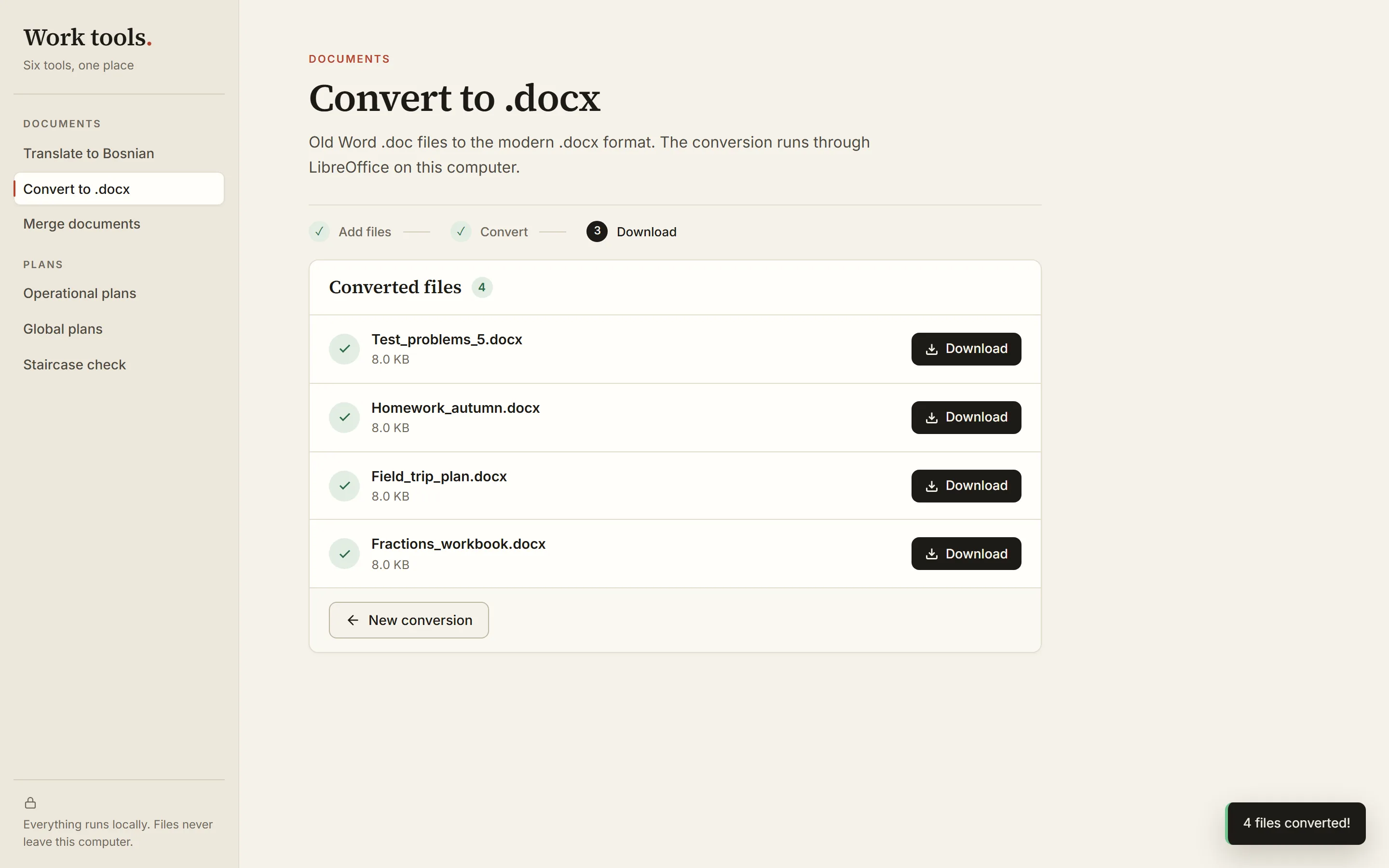
Convert to .docx
Some files were in the old .doc format, and the translator only worked with .docx. So I built a converter, then built it into the translator. Solved once, for every tool.
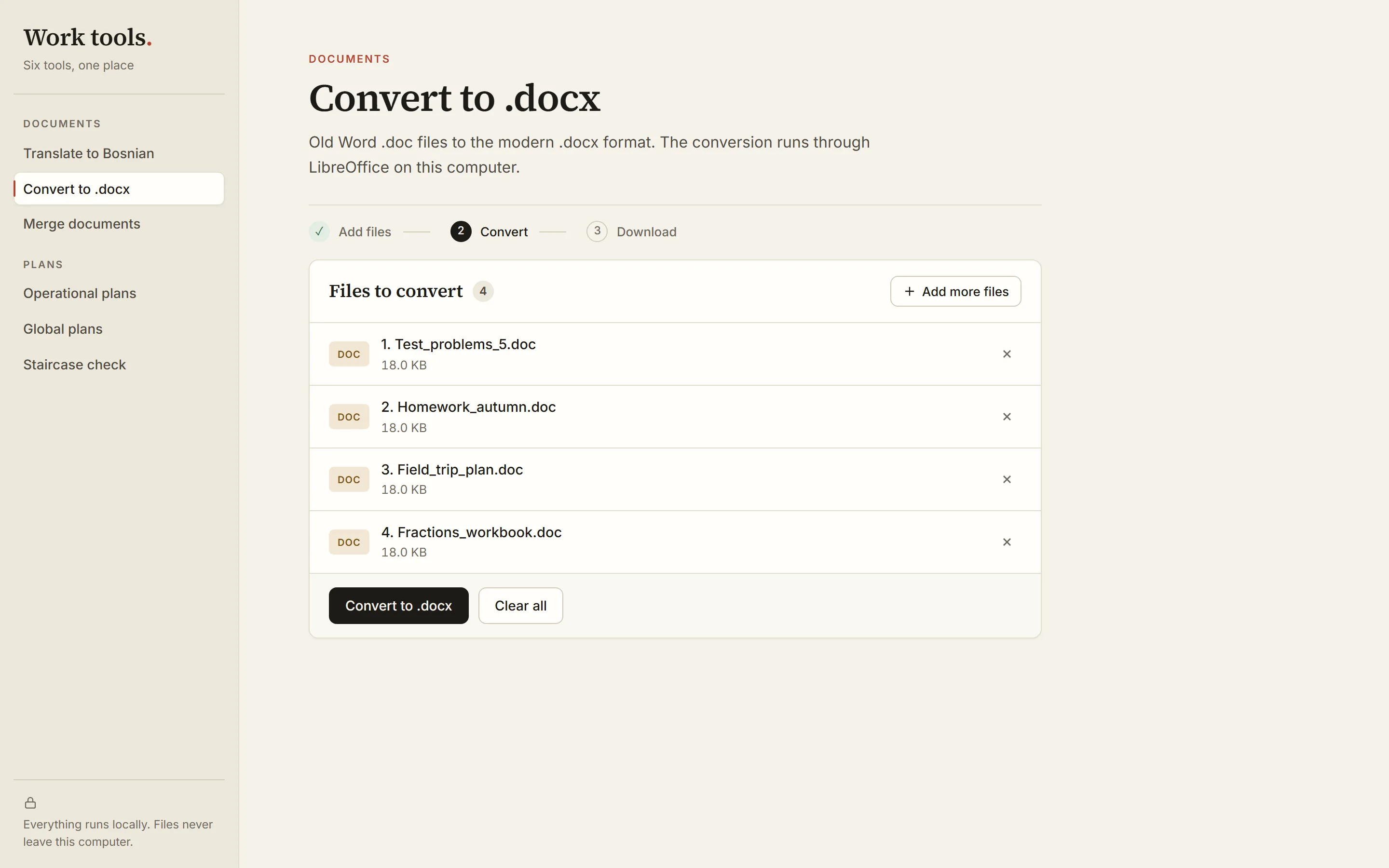
files addeddone ✓ - 03
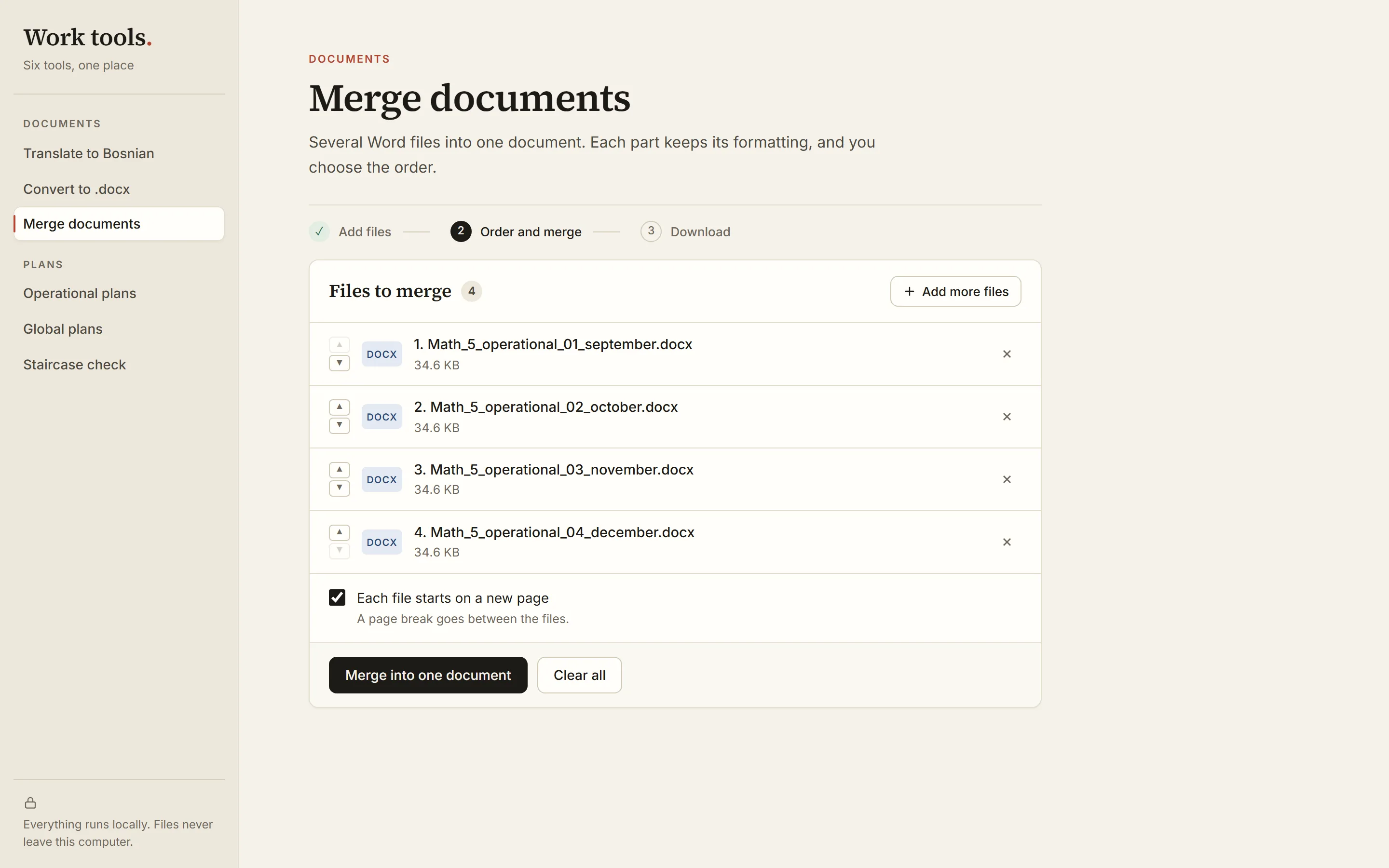
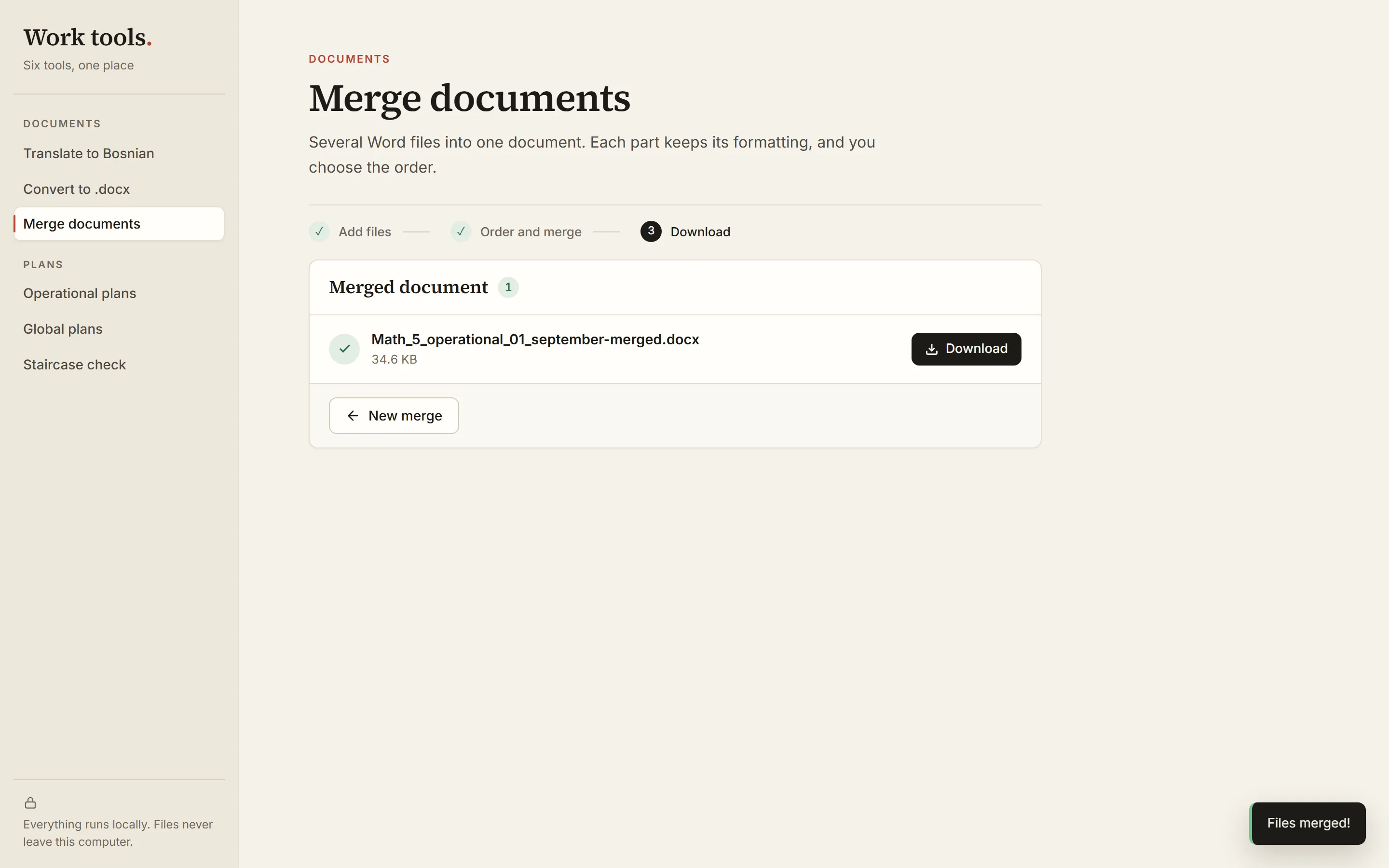
Merge documents
Operational plans arrived split by month. The tool merges them into one document in the order you choose, with a page break if you want one, and every part keeps its formatting.
files addeddone ✓ - 04
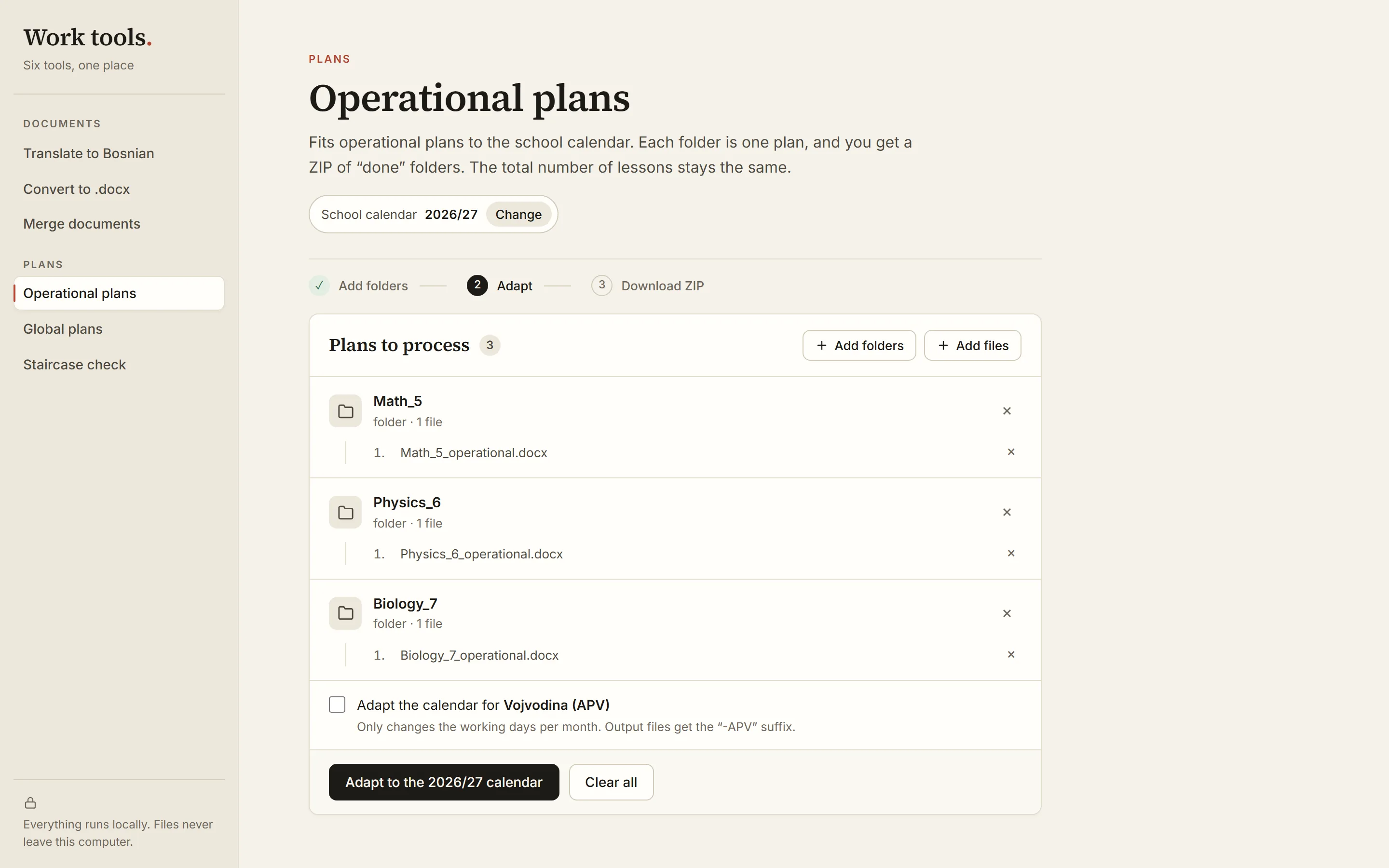
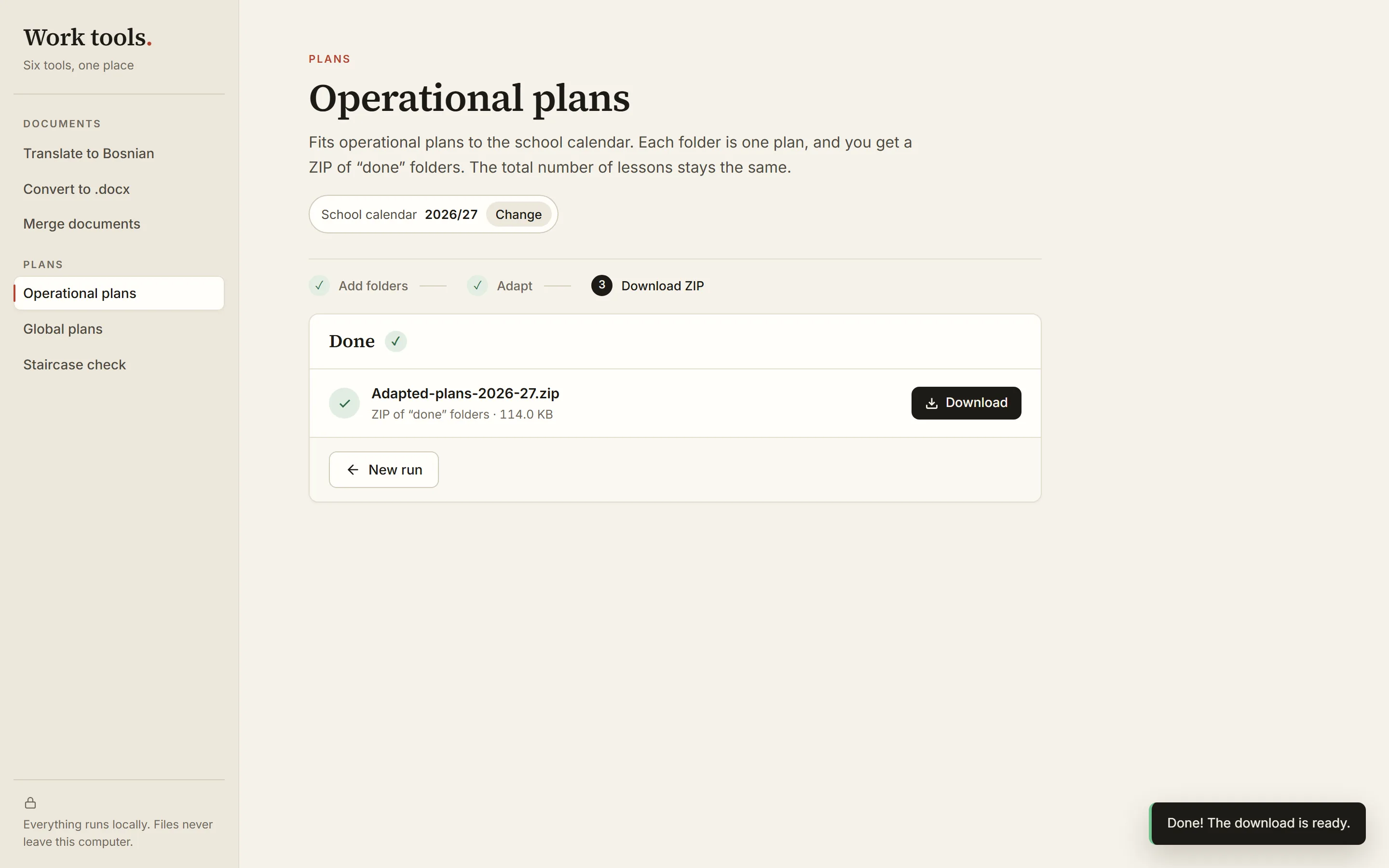
Operational plans
Teachers asked for plans that follow the new school calendar, and no other publisher offered that. The tool moves lessons between months by working days (Vojvodina too), and the total number of lessons stays the same. Each year's calendar is changed in the app itself.
files addeddone ✓ - 05
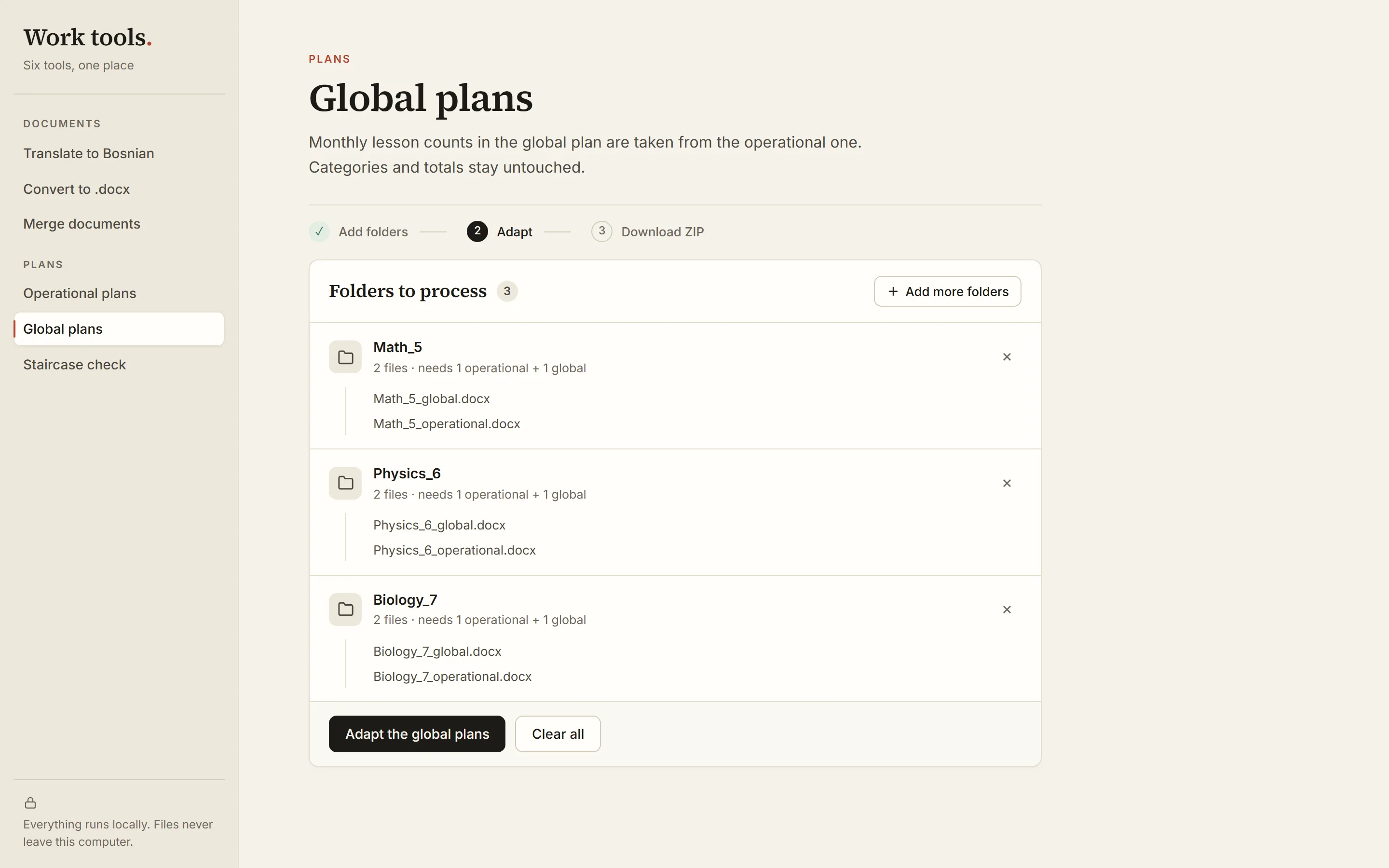
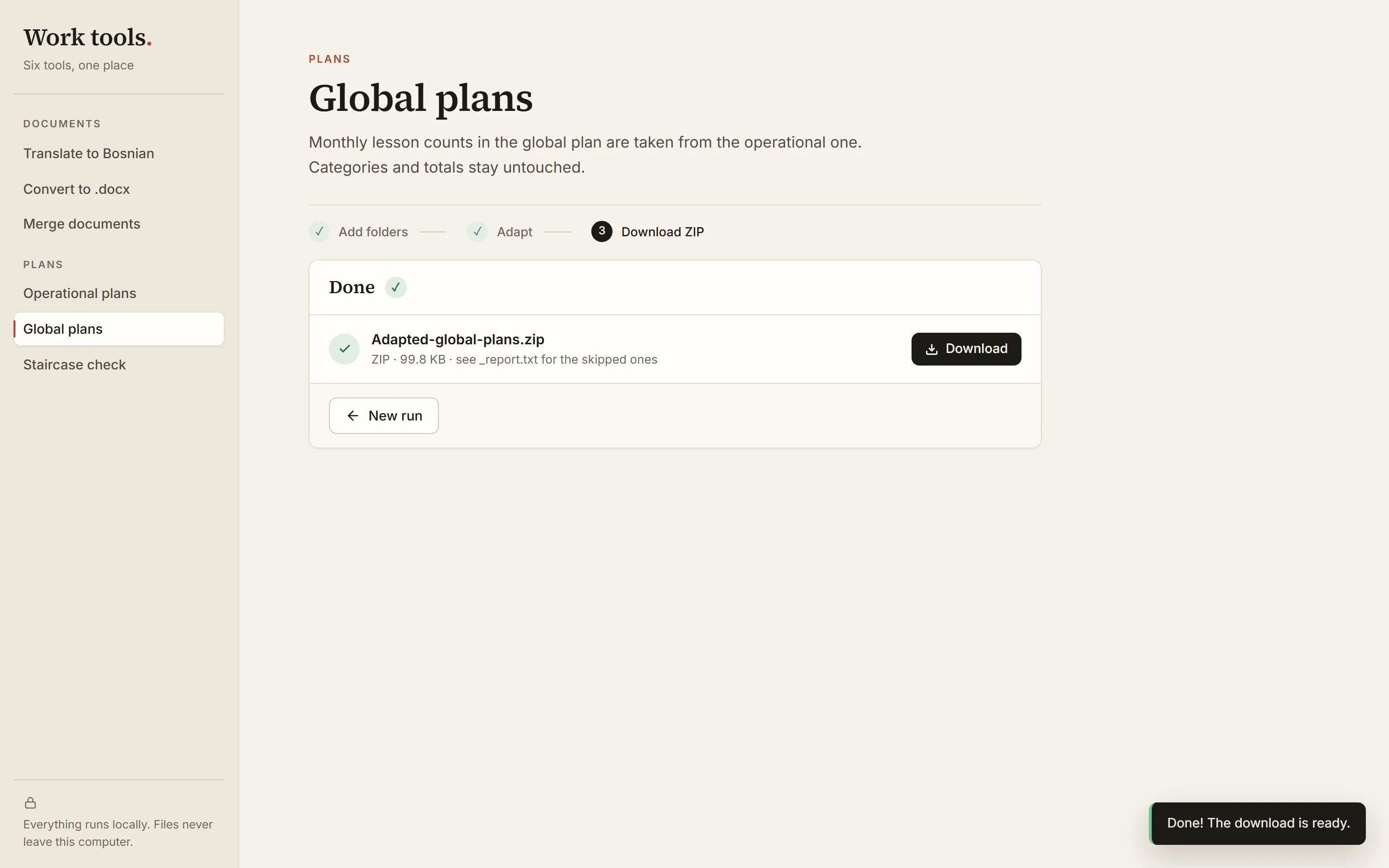
Global plans
Lesson counts per month move from the operational plan into the global one. Categories and totals stay untouched. Folders where the topics don't match are skipped and listed in a report.
files addeddone ✓ - 06
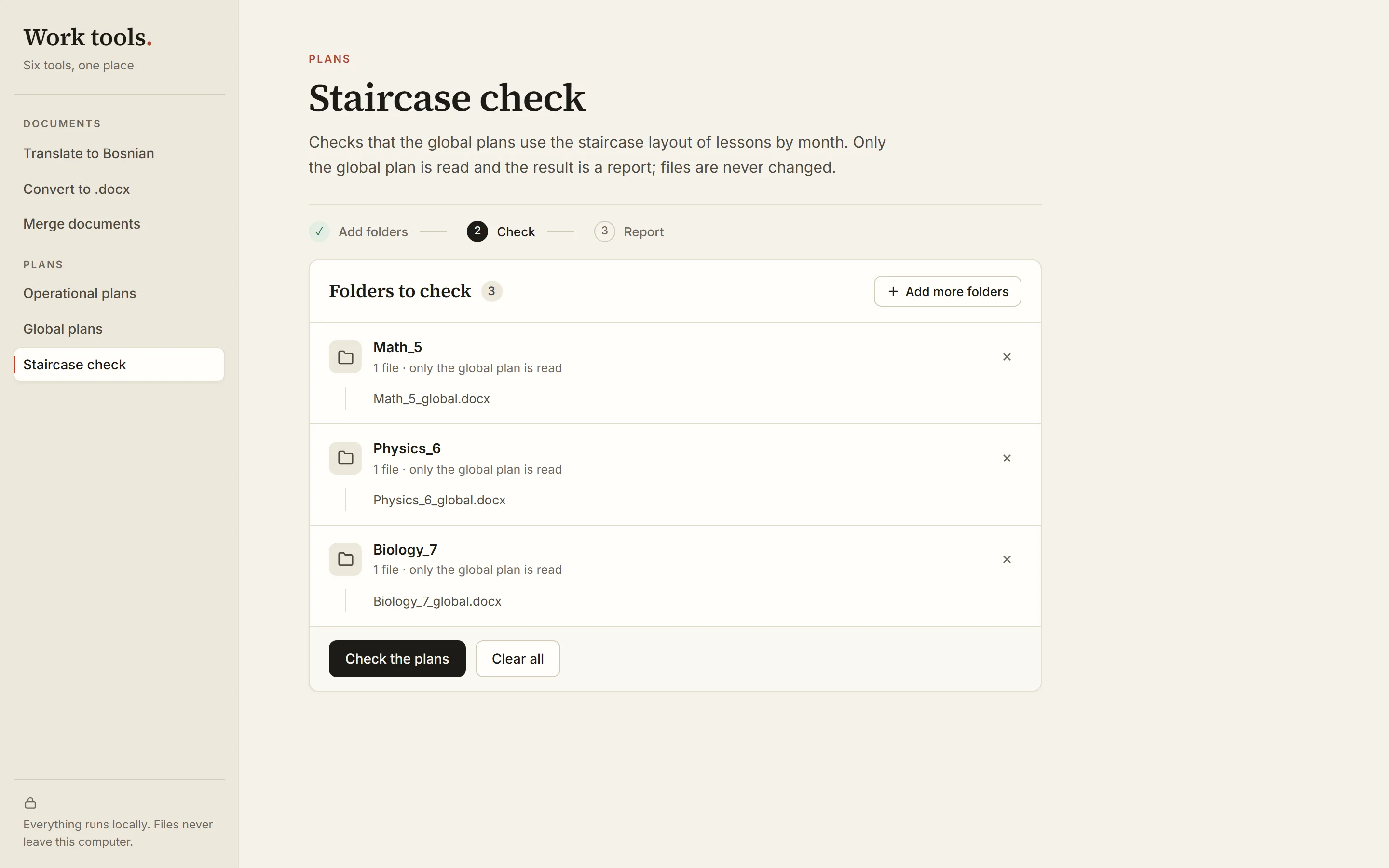
Staircase check
Quality control. It checks that the global plans have the expected “staircase” layout: topics follow one another instead of overlapping. It never changes a file, it only writes a report.
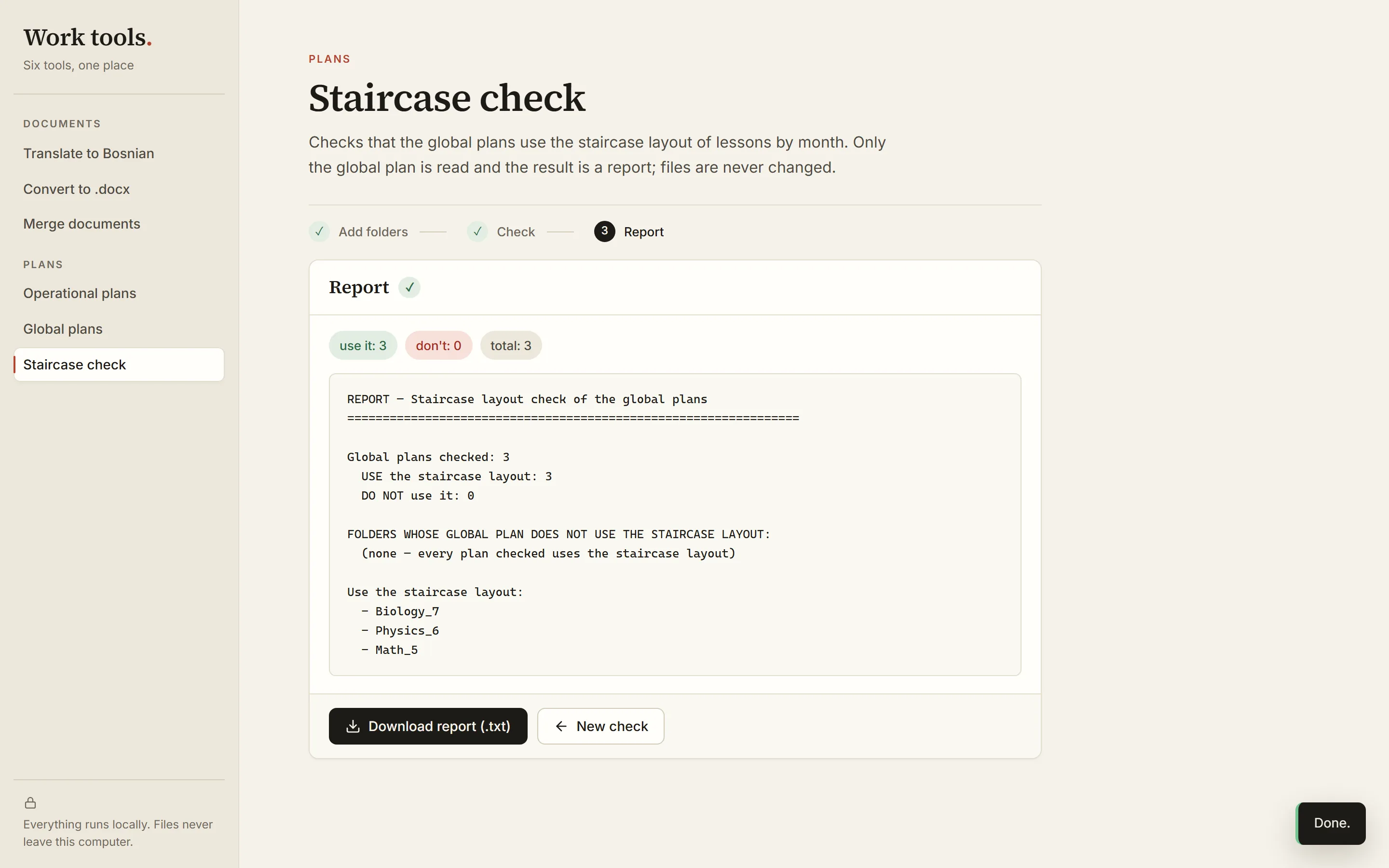
files addeddone ✓


The tools are in Serbian; their screens are shown here in English.
New calendar. Same total.
Lessons move between months by working days. The total never changes.
| Example: 144 lessons a year, central Serbia, school year 2026/27 | IX | X | XI | XII | I | II | III | IV | V | VI | Total |
|---|---|---|---|---|---|---|---|---|---|---|---|
| Working days | 22 | 22 | 18 | 22 | 9 | 15 | 23 | 21 | 19 | 9 | 180 |
| Before | 16 | 16 | 16 | 12 | 8 | 16 | 16 | 16 | 16 | 12 | 144 |
| After | 18 | 18 | 14 | 18 | 7 | 12 | 18 | 17 | 15 | 7 | 144 |
| Example: 144 lessons a year, central Serbia, school year 2026/27 | Working days | Before | After |
|---|---|---|---|
| IX | 22 | 16 | 18 |
| X | 22 | 16 | 18 |
| XI | 18 | 16 | 14 |
| XII | 22 | 12 | 18 |
| I | 9 | 8 | 7 |
| II | 15 | 16 | 12 |
| III | 23 | 16 | 18 |
| IV | 21 | 16 | 17 |
| V | 19 | 16 | 15 |
| VI | 9 | 12 | 7 |
| Total | 180 | 144 | 144 |
What changed.
- one full cycle
~2 months20 minutes - on the job
5 people1 person - planned work
the whole editorial teamone person, a few days
Nothing leaves the computer.
Everything runs locally. No cloud, no uploads — documents never leave the computer. One app, one click to start.
For the curious.
- Python + Flask
- one local hub for all six tools, opens in the browser
- python-docx
- reads and writes Word files without touching the formatting
- docxcompose
- merges documents, every part keeps its styles
- LibreOffice
- converts old .doc files on the same computer
- Built-in dictionary
- translation rules instead of a new AI prompt every time